
4.8 (9,847 Reviews)
Install one desktop agent in two minutes. From there, Modge tracks time automatically, classifies app and website usage, runs shift attendance and leave, builds payroll-ready timesheets, and shows you where the money is being made — and where it's leaking. Works on macOS and Windows.
Free 14-day trial
No credit card required
GDPR Compliant

.webp)
.webp)
.avif)
.avif)
.webp)
.webp)
.webp)
.avif)
.avif)
.webp)
Get the full picture of your team's day — and the workforce tools to act on what you see.
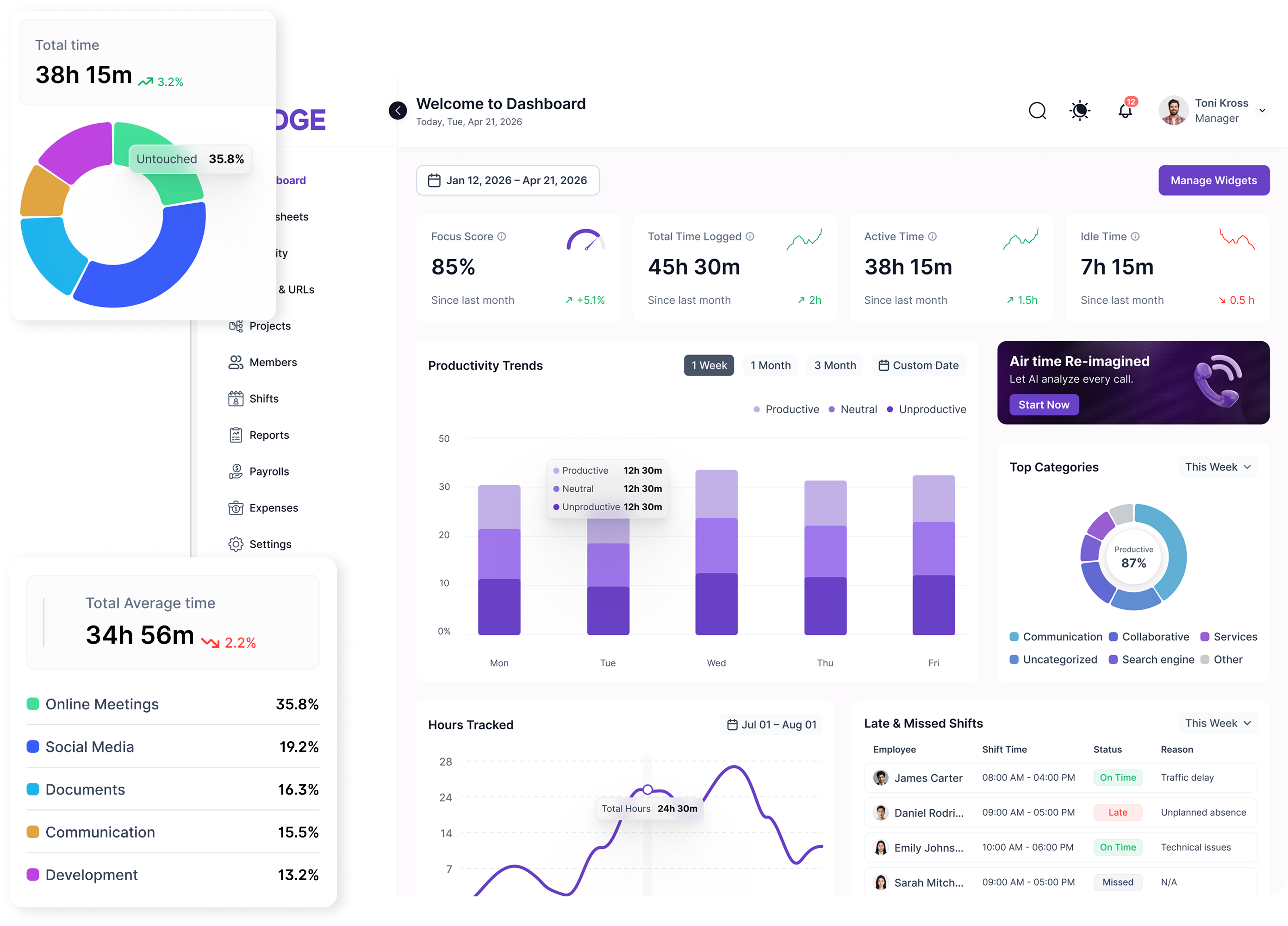
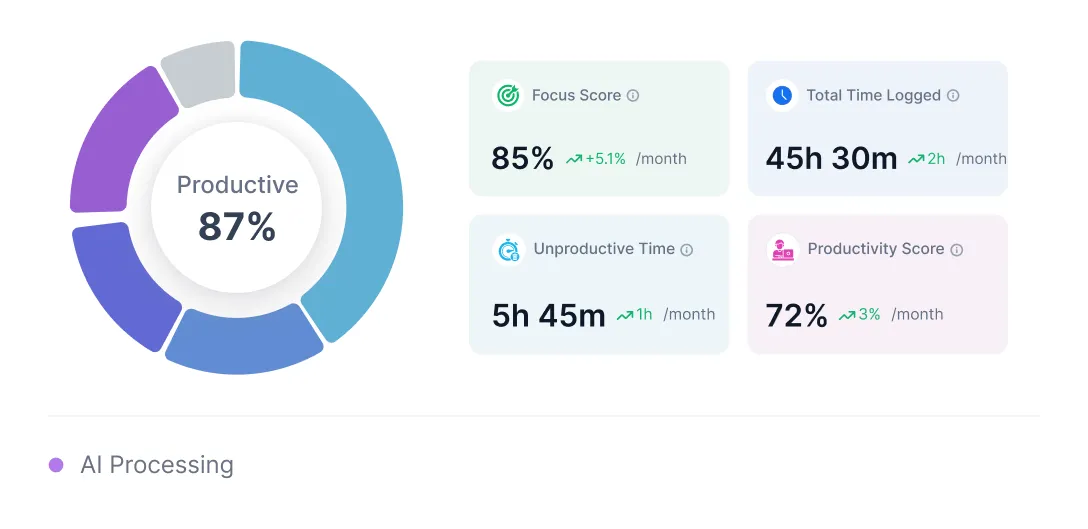
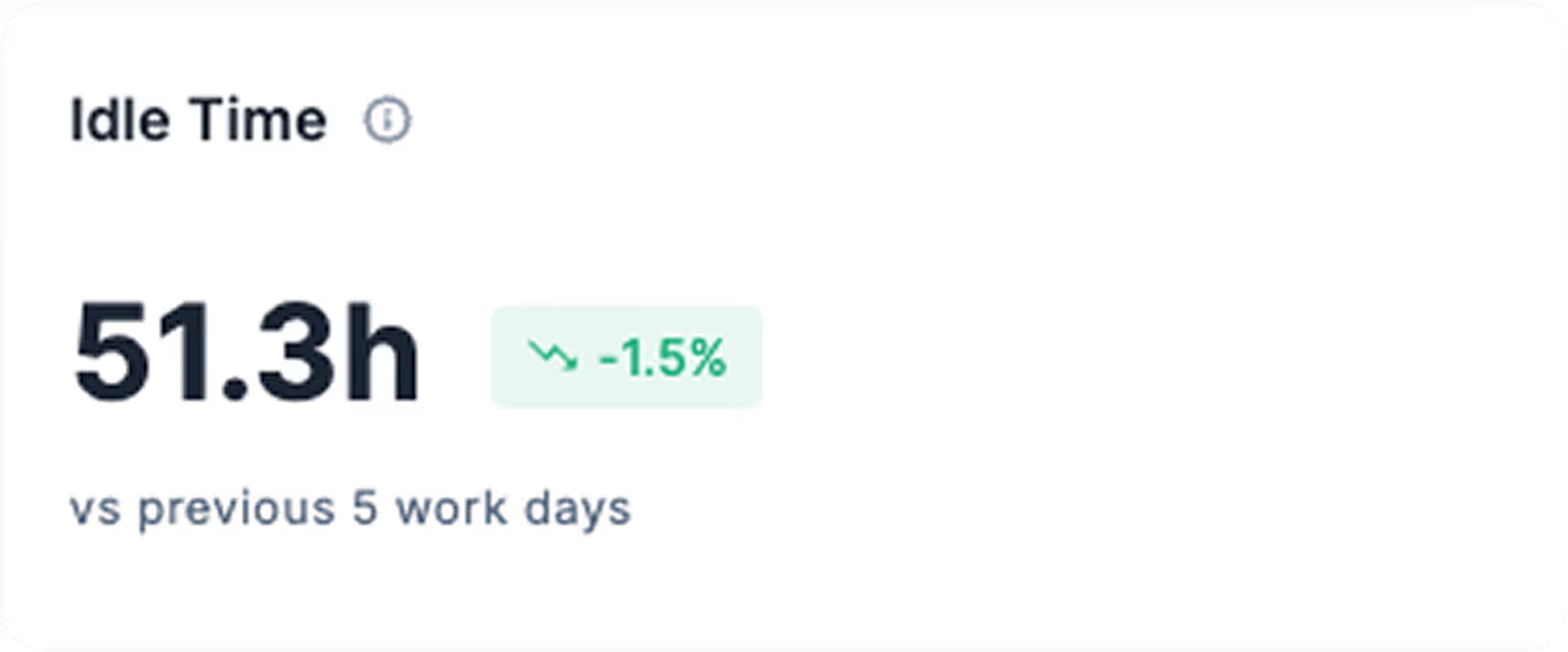
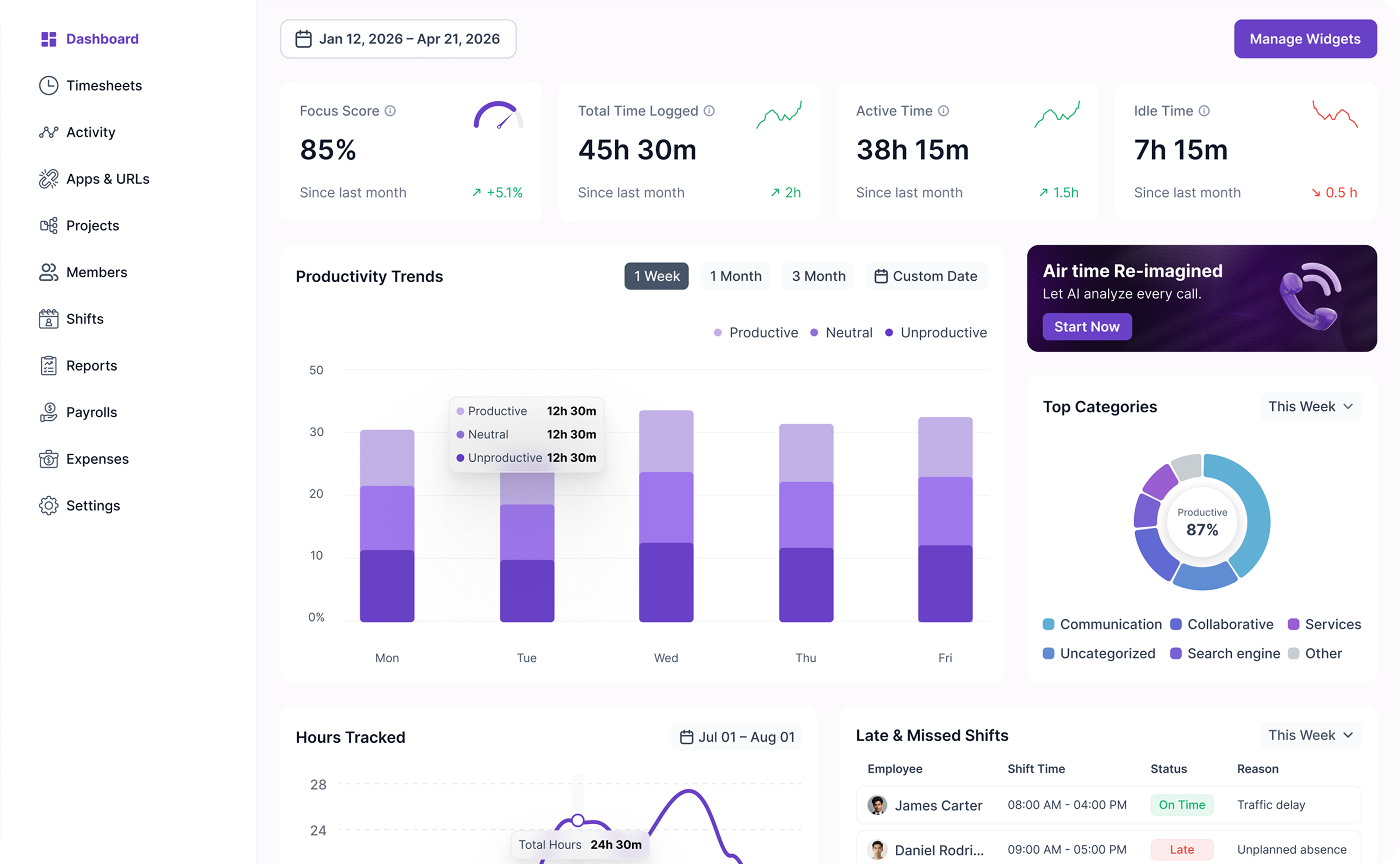
Your team's day, week, or month on one screen: productivity scores, hours logged, active vs idle time, top app categories, leaderboards, shift attendance, and recent activity. Pick any date range and everything updates together. No tab-switching, no spreadsheets to stitch.

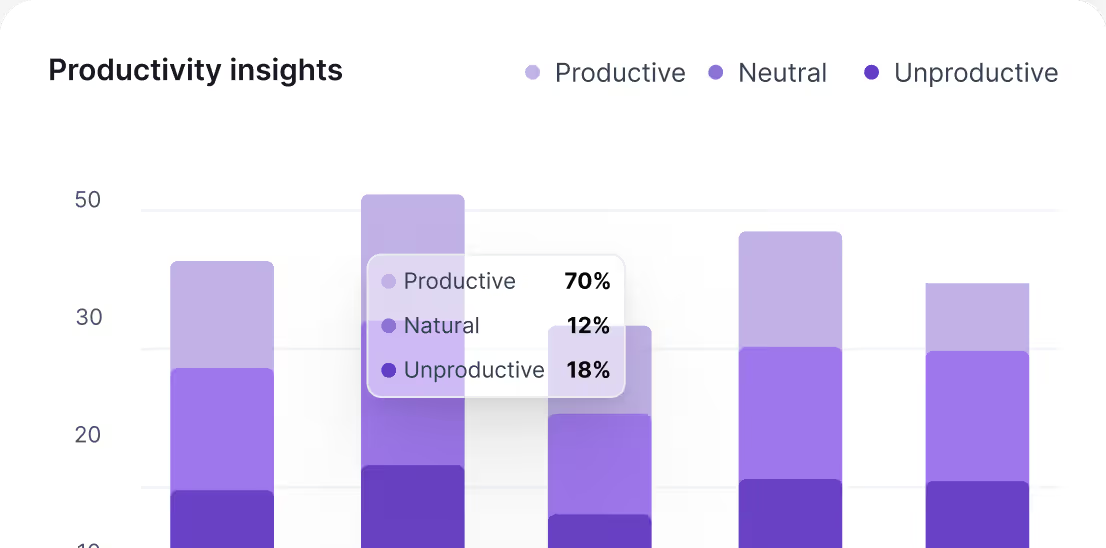
Every app and website your team uses, automatically classified as productive, neutral, or unproductive. Set one rule for the whole company, then override per job title — Figma is productive for designers, neutral for QA, your call.
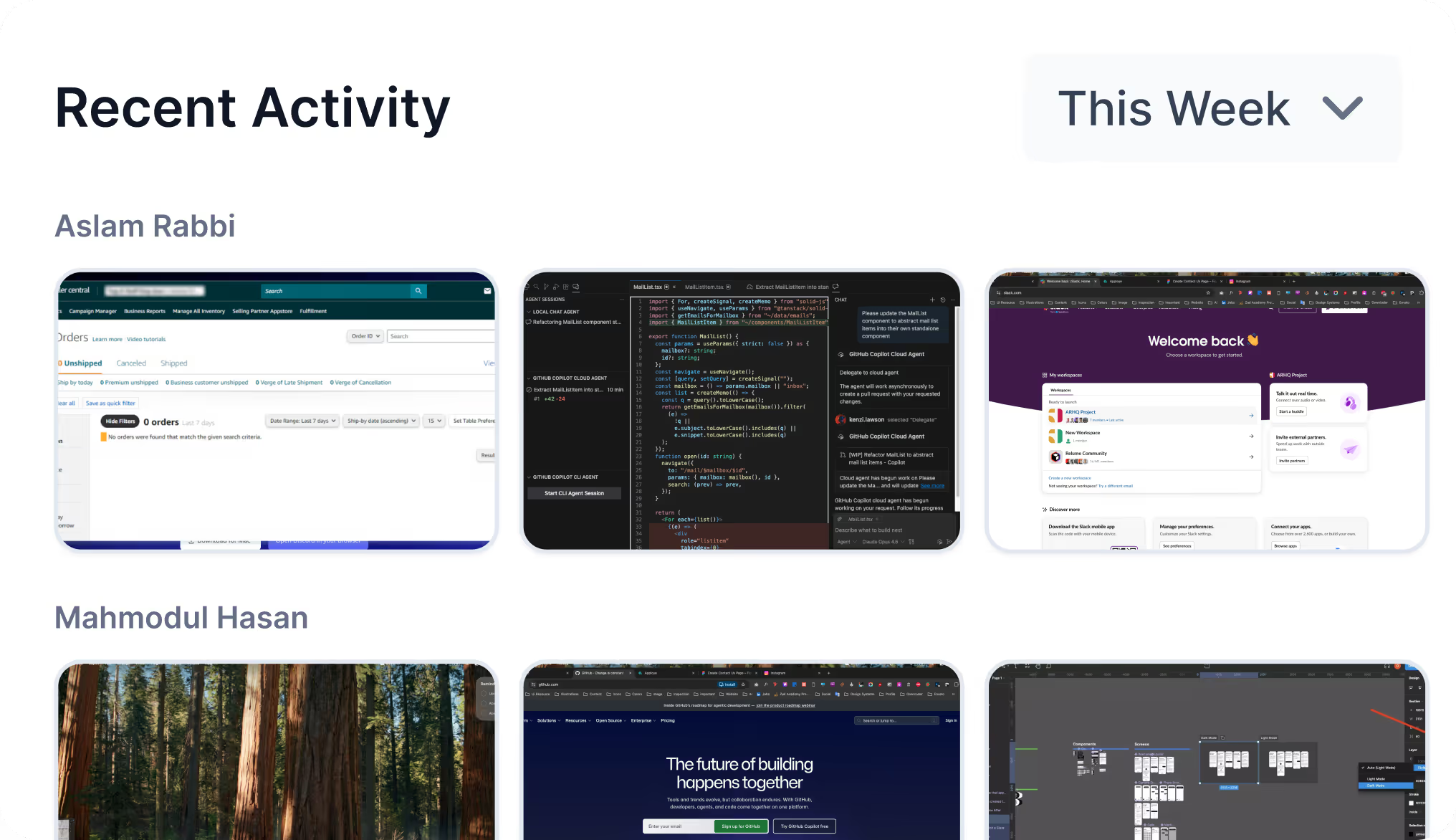
Screenshots are fully optional. Enable per team or per person, set the capture interval that fits your policy, and toggle blur at the organization level or per individual. Verifiable when a client needs proof of work, private when they don't.

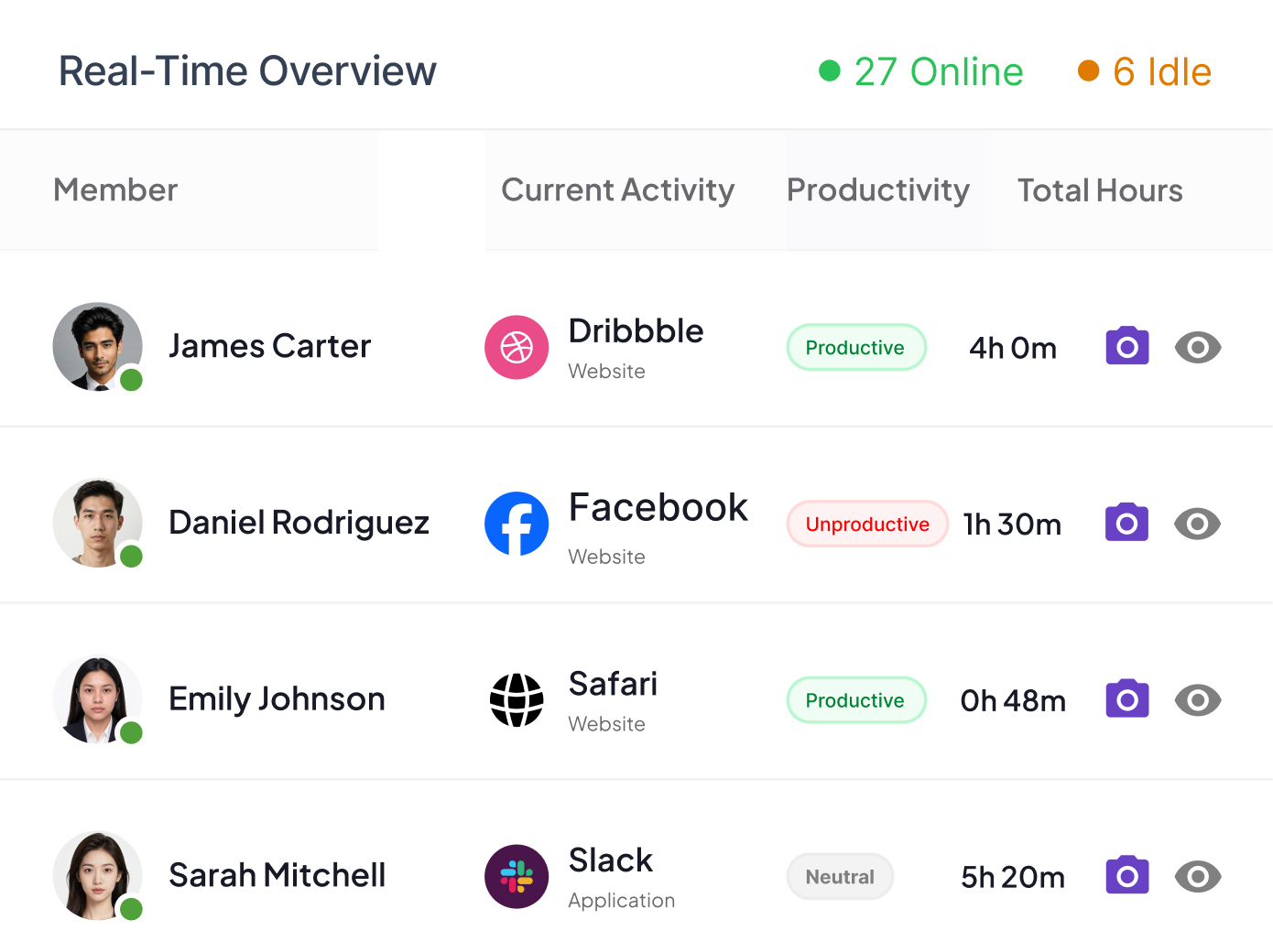
See who's working right now, on which project, what app or website they're in, and how productive their session is at this moment. Built for managers running distributed teams across time zones, not for hovering over the next desk.
Modge highlights idle streaks, frequent app switching, mouse-jiggler patterns, and login hours that don't match anyone's calendar. The point isn't to punish — it's to surface signals before they show up on an invoice.

.avif)
Each person's day rendered as colored blocks: productive, neutral, unproductive, idle. Hover any block to see the app, the duration, and the project. One scroll tells you more than a thirty-minute standup.

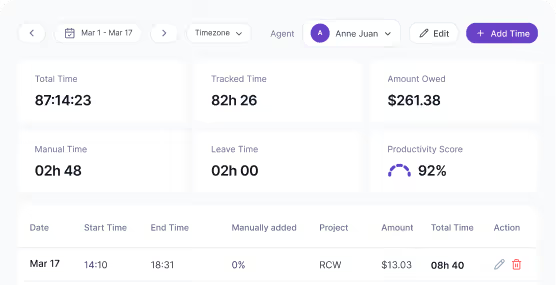
The desktop agent records every session — start, end, project, duration. Sessions roll up into a weekly or biweekly timesheet that the employee submits and a manager approves in one click. Payroll exports follow.

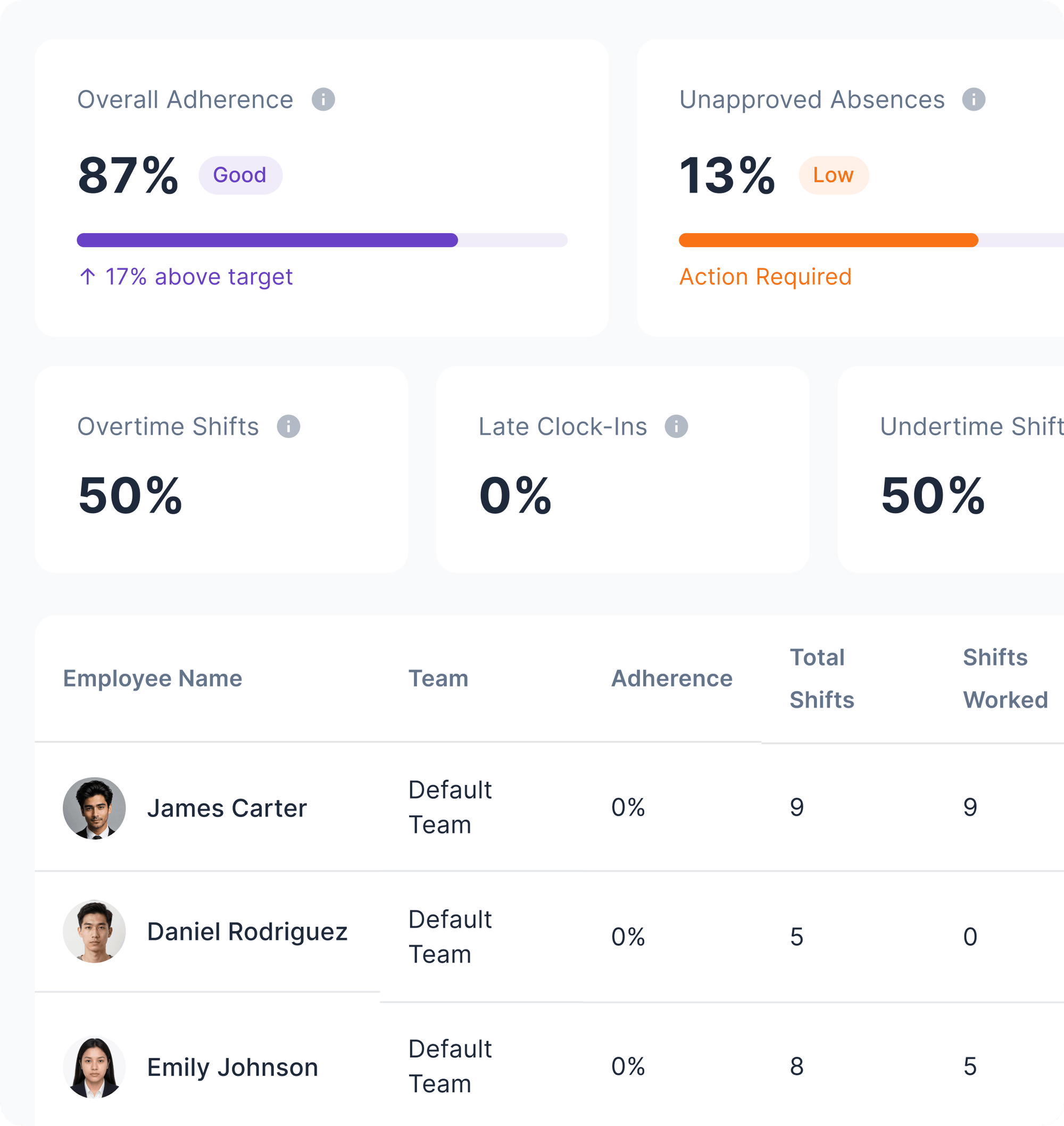
Build shift patterns once, assign to people or whole teams, and Modge compares scheduled hours against tracked sessions automatically. Late, on time, or absent — scored shift by shift, with grace windows you control.
Send your team a download link. The desktop agent installs in about two minutes on macOS or Windows, no admin rights jujitsu required for most setups. From the first session onward, Modge captures time, apps, websites, and (if you choose) screenshots.
.webp)
Apps and websites are classified the moment they show up. Activity is bucketed into productive, neutral, unproductive, or idle. Tracked hours roll into timesheets. Tracked sessions roll into shift attendance. You don't tag anything by hand to make this work.
.avif)
The dashboard surfaces the signals that need attention — burnout risk, missed shifts, idle streaks, unprofitable projects. Most teams have their first "we need to fix this" moment inside the first week.
.avif)
Capture Activity
Apps, websites, activity levels, idle time, and attendance are logged automatically during work sessions.
.webp)
Analyze
Al groups captured data into focus trends, productivity labels, idle ratios, and team comparisons

Act
The Insights Dashboard flags risks and suggests data-driven fixes to optimize schedules and performance.
.webp)
Install the lightweight desktop agent and never chase another timesheet. Tracked hours roll into pay periods, managers approve in one click, and payroll exports are ready when you need them.
Sessions start when work starts. The agent records start time, end time, project, and which apps were active during the session. There's no timer to remember and no clock-in screen to forget.
Tracked sessions land in a weekly or biweekly timesheet, ready for the employee to submit. Managers approve a whole pay period in seconds, denied entries kick back with a comment, and the period locks once everything's signed off.
Forgot to start the agent before a client call? Add the entry by hand. Every manual change is recorded with who edited it, when, what changed, and the reason. The audit log is immutable, which is exactly what your auditor wants to hear.
Generate payroll CSVs in three formats: generic, Wise, and PayPal. Or download a printable PDF. Pay periods reconcile against approved hours, paid leave, and the bill rate rules you've set per member or project.
.webp)
I need my team to keep track of their work so I can see what they accomplished each day.
Brian Dordevic
Director of Strategic Planning
Project Savings
Cost Reduction
Check-in meeting time
.webp)
I need my team to keep track of their work so I can see what they accomplished each day.
Kael Bernard
Lead Product Designer at Gitstart
4.6/5 (1500 reviews)
4.8/5 (2000 reviews)
4.2/5 (800 reviews)
From the schedule to the timesheet to payroll, the same data flows through. Nothing gets re-entered. Nothing gets lost between tools.
Build weekly, biweekly, or one-time shift patterns. Assign to a single person or a whole team. Duplicate templates for common rotations and edit the exceptions instead of starting from scratch.
Tracked sessions are compared against scheduled shifts the moment they happen. On time, late, or no-show — Modge decides based on the grace windows you set per organization or per user. No manual roll calls.
Sick days, vacation, personal leave, jury duty — define the policies you need. Auto-assign new hires to default policies. When paid leave is approved, Modge inserts the hours into the matching timesheet and pay period for you. No double entry.
Every shift gets an adherence percentage based on actual time worked versus scheduled time. Configurable thresholds for late and absent. Aggregate the score by person, team, or department to see where the schedule is working and where it isn't.
Catch time inflation early
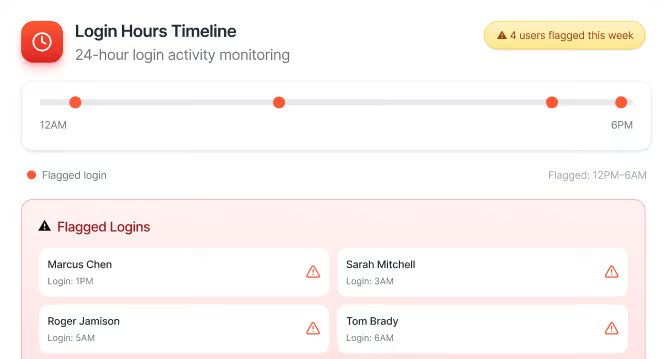
Mouse jigglers, scripted activity, hours logged at 2 AM that don't match anyone's calendar — Modge surfaces the patterns before they hit a client invoice.
Make the schedule actually mean something
Shifts that don't match worked time get flagged automatically. Adherence becomes a number you can manage, not a vibe you argue about.
Right-size workloads
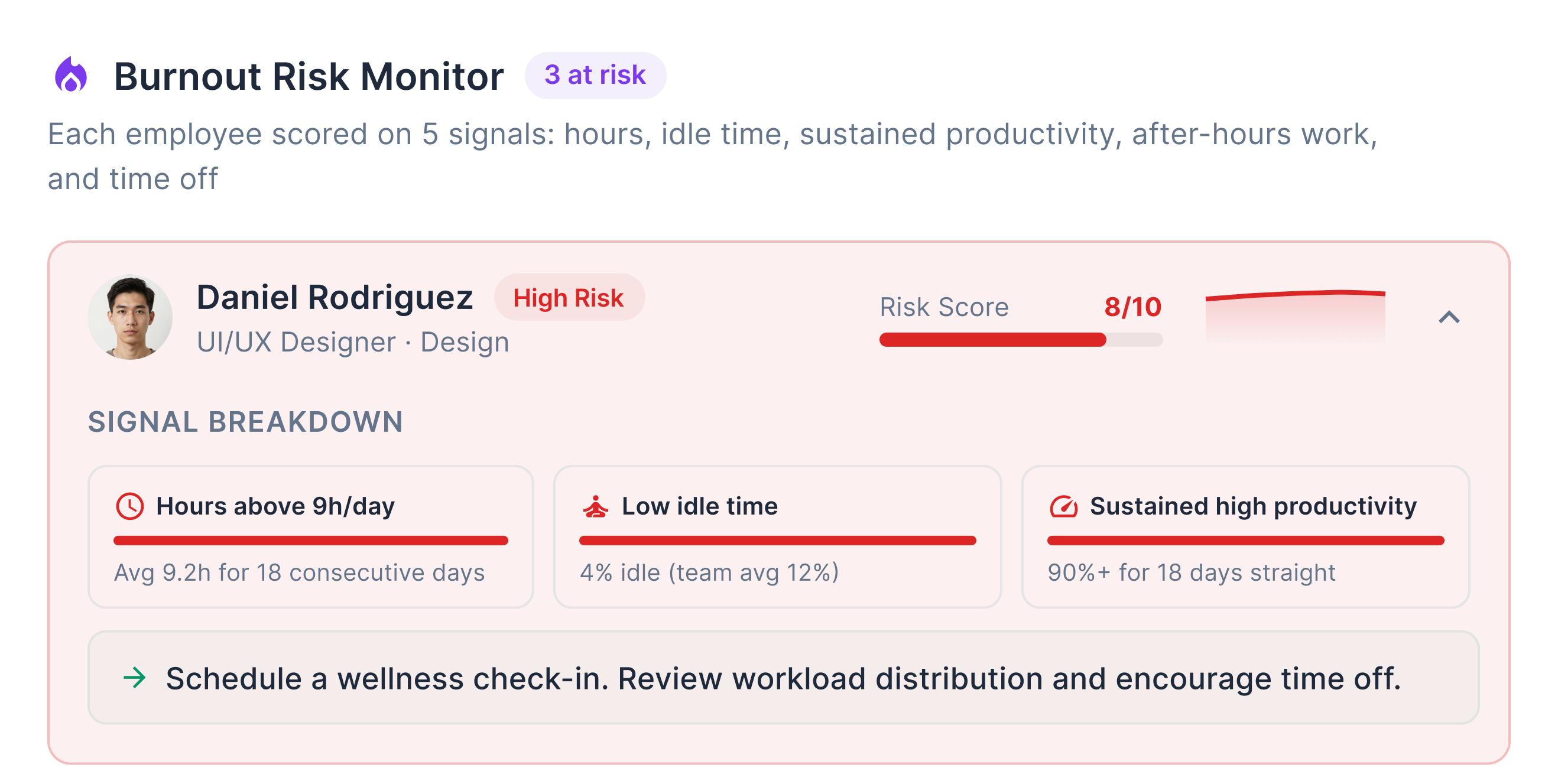
See who's overloaded, who's underused, and who's on the edge of burning out. Then redistribute before the resignation lands in your inbox.
Stop chasing remote teams
Live productivity, time-zoned activity, and asynchronous timesheet approvals were designed for distributed companies, not retrofitted onto desk-jockey software.
Bill Clients Accurately
Tracked hours, app usage, and (optionally) screenshots stand behind every invoice. Disputes go from "trust us" to "here's the audit trail.
Reward the people doing the work
When productivity is measurable, recognition stops being political. The leaderboards and category breakdowns make the high-performers visible — including the quiet ones.
Modge multiplies tracked time by your bill rates and pay rates to show real margin per project, per client, and per person. The reports your finance team always wanted but never had the data for.
Most monitoring tools show you what already happened. Modge highlights the patterns that haven't caused a problem yet — so you can act before they do.
Modge watches the signals that lead to burnout: long working streaks without breaks, weeks without leave, and sustained productivity hours that no human can keep up forever. When the pattern adds up, the manager sees it before the resignation does.
Sessions go quiet sometimes — that's normal. But idle streaks of 15 minutes or more get flagged on the live dashboard so you can spot people who are stuck, in a meeting that didn't get logged, or simply done for the day.


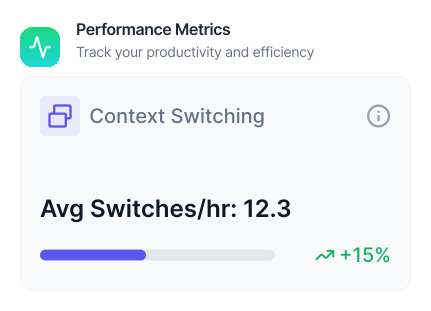
Constant context-switching is invisible to the worker but expensive to the team. Modge surfaces who's bouncing between five tools every minute so you can clear the blocker, not blame the person.
Mouse jigglers. Scripted clicks. Logins at 3 AM that don't match anyone's calendar or shift. Modge flags the patterns that don't add up so you can have the conversation early — not after a quarter of inflated invoices.

Five report types that cover almost every workforce question someone might bring you in a meeting.
Export any of them as CSV or PDF in one click.


More focus time in the first 30 days
Manager time saved every week on timesheet chasing
Faster reporting and approval cycles
Fewer status meetings on average
Modge is built on enterprise-grade security and certified to ISO 27001, HIPAA, PCI DSS, and SOC 2 Type II. Your data stays private, encrypted, and yours.
ISO 27001 Certified
HIPAA Compliant
PCI DSS Compliant
SOC 2 Type II Certified
Full access. No credit card. Two-minute install. Most teams have their first "huh, that's where the time was going" moment by day three.